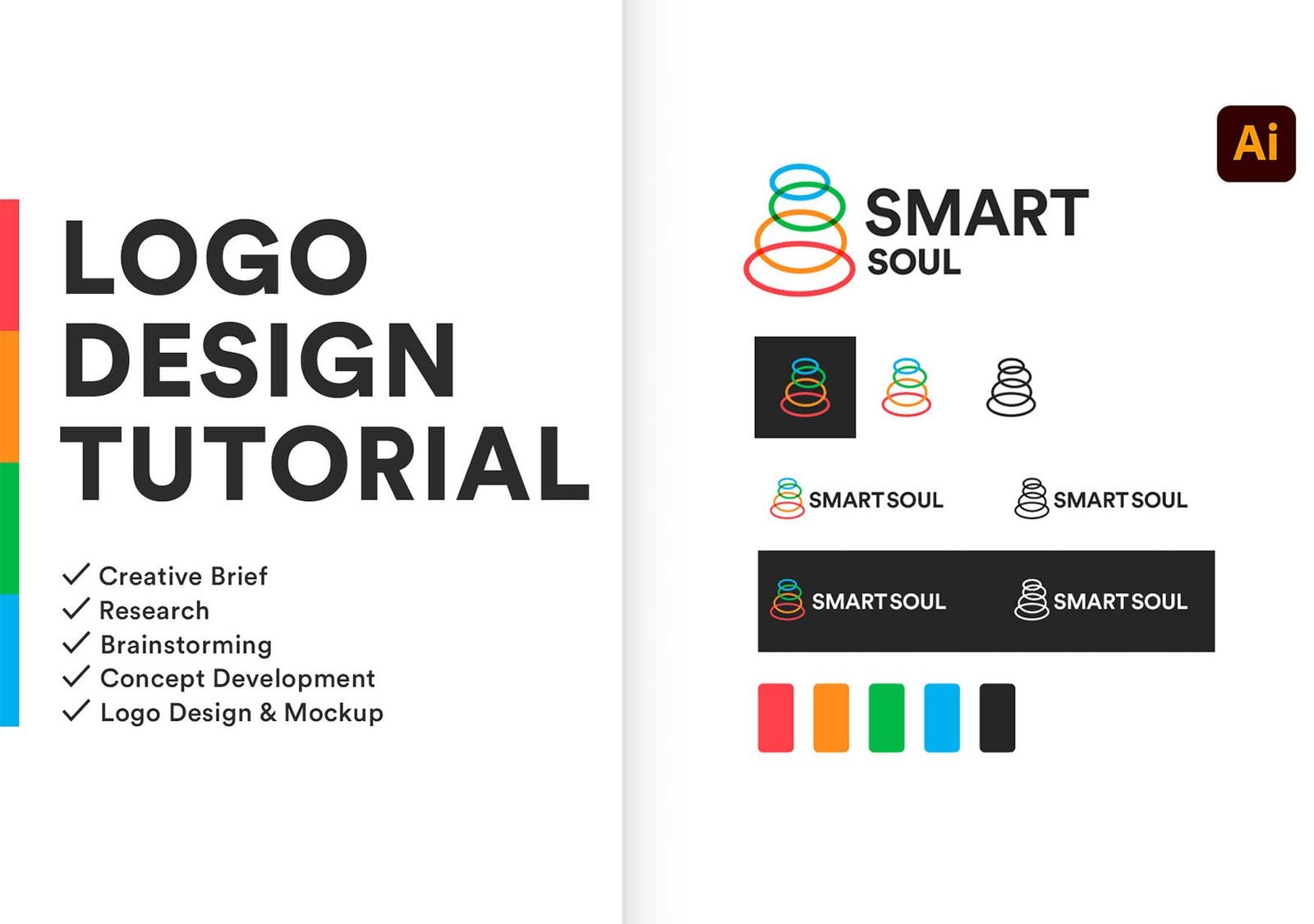
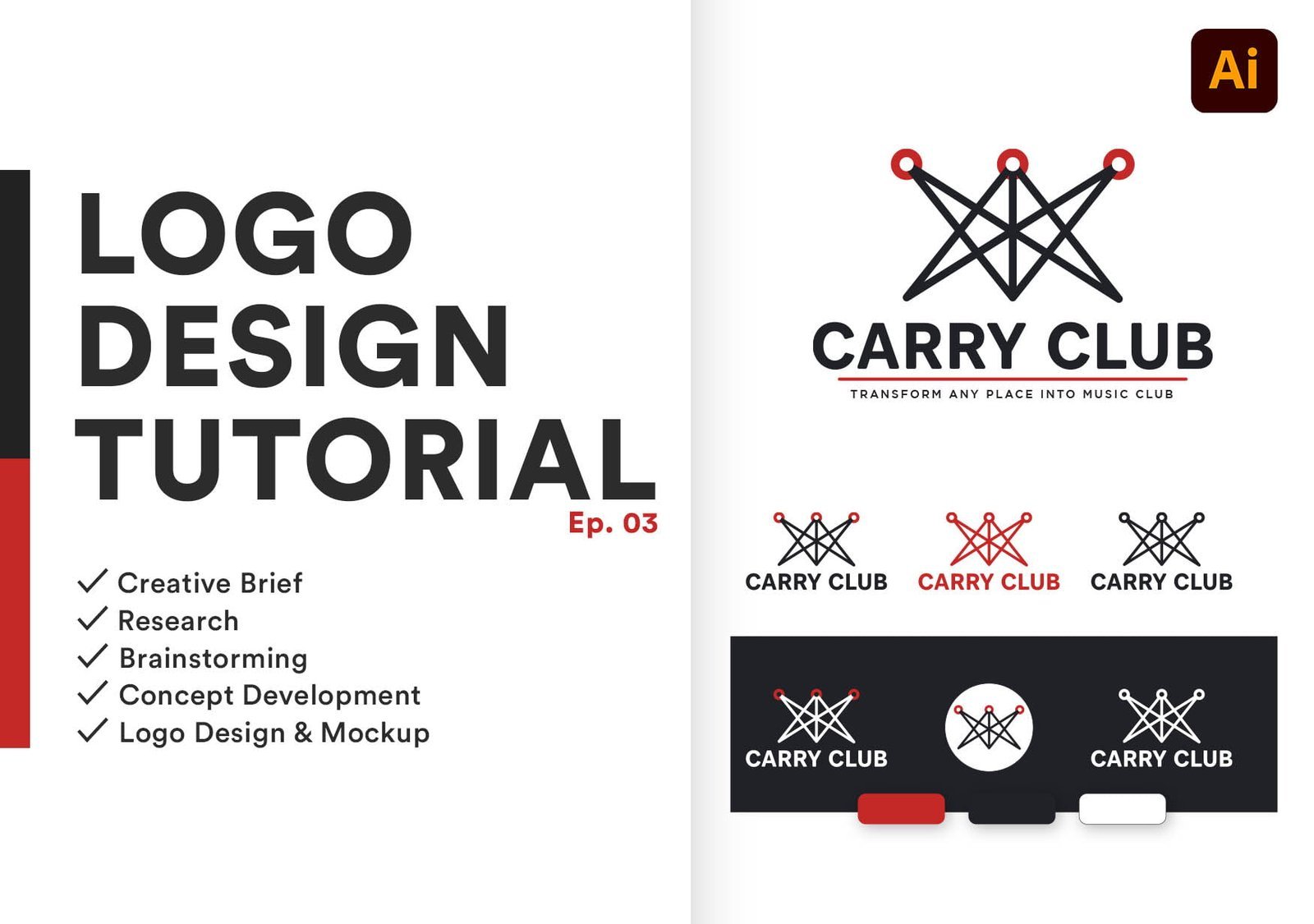
Hello Everyone, welcome back to Creative Minds Factory. In today’s Tutorial, I will take you through a full logo design project, from start to finish.
You will see me sketching, then I will show you how to make a grid system for your logo sketch, and you will see much more of my logo design process.
Make sure to watch carefully to the end, and then write in the comment section the most valuable information you find it in the tutorial, and I will pick the best three comments and I will mention them in the next tutorial video.
Feel free to Jump through Chapters:
00:00:07 Brand Description & Process Overview
00:01:05 Research & Competitor's Study
00:20:33 Logo Design in Adobe Illustrator
00:46:24 All Logo Concepts
00:47:30 Refining & Coloring Final Logo
00:52:35 Final Logo Design
In this Logo design process video, i will demonstrate you that how to design a logo from very start to the very finish by using a real life example. This is a complete design walkthrough for the logo design. For the purpose of ease i have divided this tutorial in 7 steps,
I have demonstrated theses seven steps in detail and with easy to follow steps. You can follow this tutorial even if you are an absolute beginner. You can follow this logo design tutorial, whether you are using Adobe illustrator, Coral Draw or Inkscape, because in this tutorial i will use simple tools like pen tool, circle tool and rectangle tool, which are available in each and every vector based graphic design tutorial.
Guidance: In this tutorial i will guide you that how you can find logo design ideas and also guide you that how you can assign color combinations to your logo.
Core Concepts In This Masterclass
Associated High-Resolution Gallery
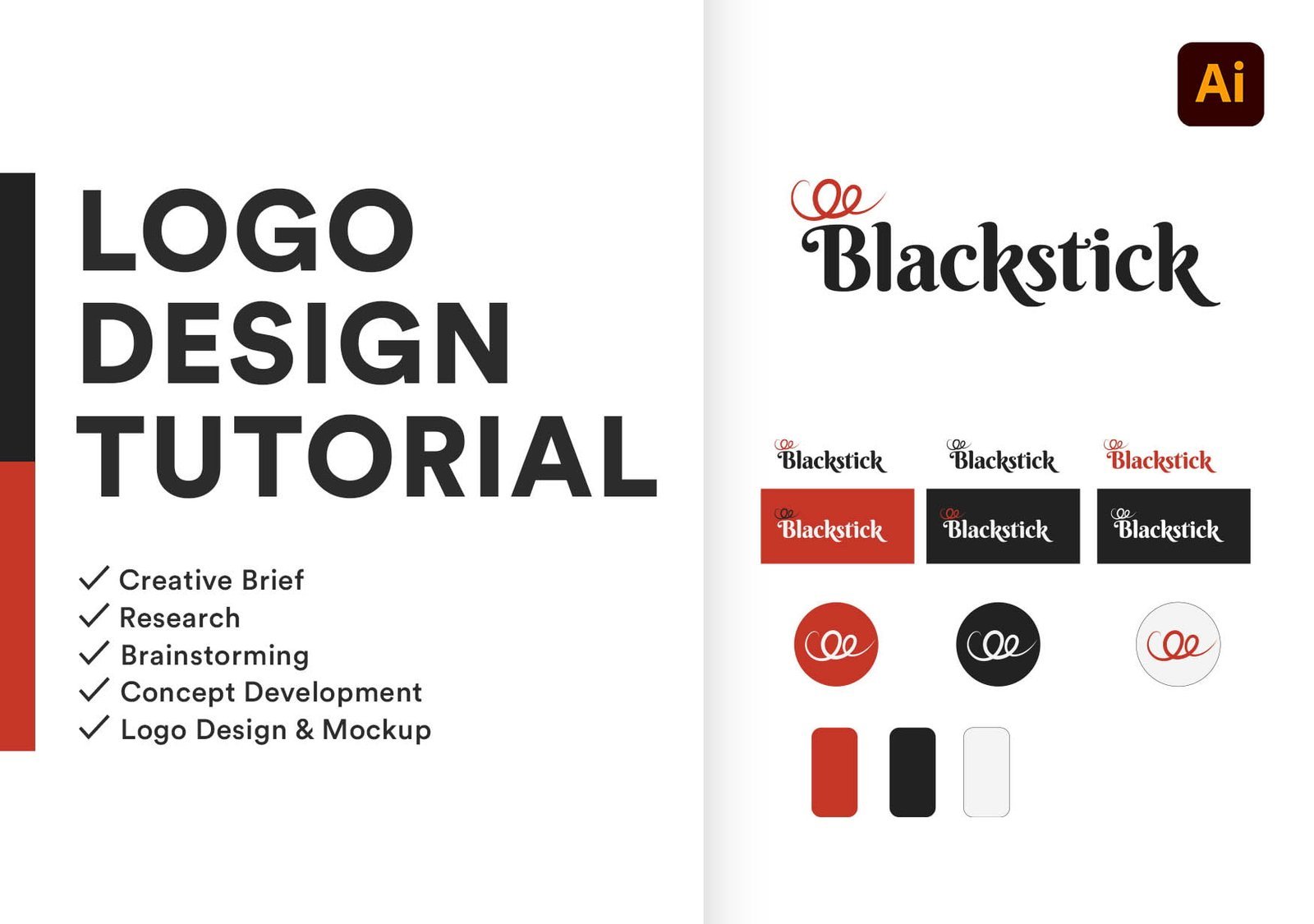
Inspired By This Design Work?
We engineer bespoke logos and identity systems that captivate audiences. Talk directly with our lead creative strategist.